
Your phone holds your photos and messages. A laptop, meanwhile, holds your work and documents. However, most people protect neither device properly. One drop, theft, or failed drive changes everything. Moreover, recovery always feels harder than prevention. So what can you do to save your technology before trouble arrives?
The honest answer involves habits, not heroics. Firstly, you keep the hardware working for longer. Secondly, you keep spare copies of important files. Thirdly, you keep strangers out of your accounts. In fact, no single habit covers all three jobs. A sturdy case cannot rescue deleted photos. Similarly, a backup cannot mend a cracked screen. Therefore, this guide treats device care as one system.
What Saving Your Technology Really Means
Think of protection in three clear layers. Hardware care guards the physical device itself. Data care, in contrast, guards everything stored inside it. Account care then guards your identity and money. Moreover, each layer fails in a different way. A phone can survive a fall yet lose every photo. Alternatively, a laptop can run perfectly after a hack. Consequently, strong protection always covers all three layers.
Small habits extend device lifespan more than expensive accessories. Gentle charging, for example, slows battery wear quietly. Regular backups, meanwhile, turn disasters into minor delays. In addition, prompt updates close security holes early. None of these habits takes much time weekly. However, together they change how long devices last. They also change how calmly you handle problems. Indeed, calm usually comes from preparation, not luck.
Back Up Your Data Before Anything Else
If you do only one thing today, backup your data properly. Hardware can usually be repaired or replaced. Photos, documents, and messages, however, cannot be recreated. Moreover, drives fail without giving much warning. Phones also get lost, stolen, or soaked daily. Therefore, copies must exist before the bad day. Good data protection always starts with that mindset.
The classic method is the 3-2-1 backup rule. Firstly, keep three copies of important files in total. Secondly, store them on two different storage types. Thirdly, keep one copy somewhere off site. For example, files can live on your laptop itself. An external drive can hold the second copy. A cloud backup service can hold the third copy. As a result, one fire or theft cannot erase everything.
Automation makes that rule actually work in practice. Manual copying, in contrast, gets forgotten within weeks. Most systems, however, offer automatic backup tools built in. Phones can back up photos and settings nightly. Computers, similarly, can copy folders on a schedule. In addition, many cloud services sync changes within minutes. Set everything once, then check it monthly. Consequently, protection continues even during busy periods.
Testing matters just as much as copying, though. A backup you never tested remains a hope. For instance, restore one photo to check the process. Open a document from the external drive too. Moreover, confirm that recent files appear in every copy. Businesses learned this lesson long ago. Even small firms now treat cloud copies as basic digital transformation in business practice. Households, in short, deserve the same safety net.
Keep Software Updated and Restart Regularly
Software updates do far more than change icons. They patch security flaws that criminals actively exploit. Moreover, they fix bugs that drain batteries and storage. Skipping updates, therefore, leaves known doors wide open. Attackers specifically target devices running older software versions. In contrast, updated devices force attackers to work harder. That simple difference protects millions of ordinary users.
Turning on automatic updates removes the decision entirely. Firstly, enable automatic system updates on every device. Secondly, let apps update themselves in the background. Thirdly, update your router and smart gadgets too. Furthermore, restart each device about once a week. Restarts clear temporary glitches and finish pending updates. As a result, performance often feels smoother straight away.
Professionals treat updating as routine maintenance, never panic. Our guide to how brokers update technology shows that mindset clearly. Planned updates happen during quiet moments at desks. Similarly, your updates should happen overnight on chargers. Updates on trusted home networks also feel safer. Public networks, meanwhile, deserve extra caution for updates. In short, boring update habits prevent exciting problems.
Lock Down Your Accounts and Daily Habits
Strong passwords and two-factor authentication stop most account break-ins. Every important account, moreover, deserves a unique password. Reused passwords turn one leak into many losses. A password manager, fortunately, remembers them all for you. Two-factor codes then add a second lock. Consequently, a stolen password alone rarely opens anything. Simple routines like these keep your devices secure daily.
App permissions deserve a regular review as well. Many apps request access they never truly need. A game, for example, rarely needs your contacts. A torch app certainly never needs your location. Therefore, open your permission settings every few months. Remove anything that looks excessive or simply odd. In addition, delete apps you no longer use. Fewer apps, overall, mean fewer risks and distractions.
Phishing messages cause more losses than fancy hacking. These messages pretend to be banks or delivery firms. Moreover, they push you to click quickly without thinking. Slow down, however, whenever a message creates urgency. Check the sender address letter by letter instead. Then open the official app or website directly. Careful habits matter most when you shop through local e-commerce marketplaces and pay online. Caution there, in fact, protects your money directly.
Battery Care That Actually Helps Your Devices
Batteries wear out faster than almost any other part. Heat, deep drains, and constant full charges accelerate that wear. Good battery care tips, therefore, focus on gentle habits. Try to keep everyday charging roughly mid range. In particular, avoid leaving devices at empty for days. Long storage at zero slowly damages battery chemistry. Similarly, months at full charge also stress cells. Balance, in short, serves batteries far better.
Heat deserves special attention in any battery routine. Never leave a phone inside a hot car. Moreover, remove thick cases during long gaming sessions. Charging under pillows or blankets traps heat badly. Laptops, meanwhile, need clear vents and hard surfaces. Soft beds and sofas block airflow surprisingly easily. As a result, fans work harder and batteries age faster. Cooler devices, quite simply, live noticeably longer lives.
Built-in settings make phone battery health easier to protect. Many phones now offer optimised or limited charging. These features slow charging near the top overnight. Furthermore, battery health screens show wear over time. Check that screen every few months for surprises. A fading battery, however, does not mean a dead phone. Replacement batteries often cost far less than replacements. Indeed, one battery swap can add years of use.
Protect the Body of Every Device You Own
Drops remain the most common way devices die early. Learning how to protect your devices starts with cushioning. A well-fitting case absorbs shocks at the corners. A screen protector, moreover, takes scratches instead of glass. Tablets and laptops deserve padded sleeves during travel. Additionally, keep devices away from table edges at home. Simple habits like these protect your phone from damage daily.
Water and dust cause slower, quieter damage over time. Keep phones away from sinks, baths, and pools. Wet hands, similarly, should dry before handling laptops. Store devices in dry rooms rather than steamy bathrooms. Moreover, never charge a device that got wet recently. Moisture inside ports can short circuits during charging. Patience after a soaking, therefore, saves the whole device. Let everything dry fully before switching anything on.
Protective layers work on the same principle everywhere. Outdoor clothing shields people from rain and wind daily. Our review of the Brooks Shelter technology jacket explores that idea outdoors. Cases and sleeves, in contrast, shield glass and metal. Neither layer needs to look bulky or ugly. Modern options stay slim while still absorbing shocks. As a result, protection becomes easy to live with.
Clean Your Devices Safely and Gently
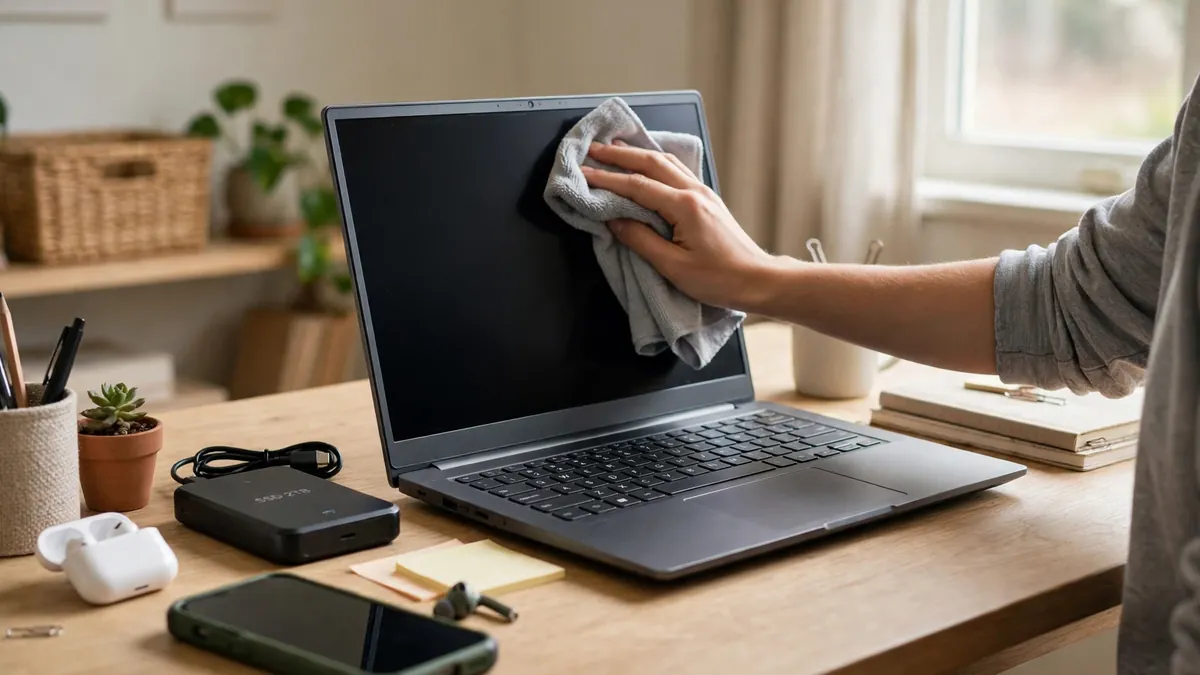
Dirt looks harmless, yet it causes real problems slowly. Dust blocks vents and helps laptops overheat quietly. Crumbs under keys, meanwhile, make keyboards stick and fail. Grime on charging ports can stop cables connecting properly. Regular device cleaning tips, fortunately, stay simple and cheap. A soft microfibre cloth handles most everyday marks. Gentle habits, overall, beat aggressive scrubbing every time.
Technique matters more than expensive cleaning products here. Firstly, switch the device off before cleaning it. Secondly, use a cloth that feels barely damp. Thirdly, keep liquids away from openings and ports. Never spray cleaner directly onto any screen surface. Instead, spray the cloth, then wipe the screen. Compressed air, moreover, clears dust from keyboards safely. Harsh chemicals, in contrast, can strip screen coatings permanently.
Ports and cables deserve the same gentle attention. Inspect charging cables for fraying every few months. Damaged cables, however, can overheat or short out. Replace them with reputable, correctly rated replacements instead. Ports, meanwhile, collect pocket lint surprisingly quickly. A wooden toothpick can loosen lint very carefully. If charging still feels loose afterwards, seek help. Forcing cables, in fact, turns small faults into repairs.
Manage Storage So Devices Stay Fast
Completely full storage slows almost every device down noticeably. Systems need spare room for updates and temporary files. When that room disappears, apps crash more often. Photos, moreover, may stop saving without clear warnings. Therefore, free up storage space before problems start appearing. Move large videos to external or cloud storage. Delete duplicates, downloads, and forgotten screen recordings too. Small clean-outs, as a result, restore lost speed.
Unused apps quietly consume space, battery, and attention daily. Scroll through your app list every few months honestly. Anything untouched for months probably deserves deletion today. Games and social apps, for example, cache huge files. Clearing caches returns space without deleting personal data. Browsers, similarly, store heavy temporary files over time. Regular tidying keeps older devices feeling surprisingly responsive.
Organised systems simply waste less time and energy overall. That same logic sits behind optimizing information technology revenue streams for companies. Households benefit from tidy digital habits in miniature. Named folders, for instance, make backups faster to check. Clear desktops also make missing files obvious sooner. Moreover, tidy storage reveals what truly needs backing up. Organisation, in short, supports every other protection habit.
Repair or Replace: How to Decide Calmly
Every owner eventually faces the repair vs replace question. Start, firstly, by identifying the actual failing part. A weak battery feels like a dying phone. A full drive, similarly, feels like a dying laptop. Secondly, get a proper diagnosis before deciding anything. Many faults turn out small, cheap, and fixable. Guessing, in contrast, leads people to replace healthy devices.
Simple comparisons make the decision far less emotional. Ask whether the device still receives security updates. Outdated software, indeed, changes the calculation completely. Next, compare the repair quote against remaining usefulness. A repaired device that serves three more years wins. However, repeated faults signal deeper decline worth respecting. Screens, batteries, and fans usually justify repair easily. Logic board failures, meanwhile, often justify replacement instead.
Skilled technicians keep complex equipment alive everywhere professionally. Workshops, hospitals, and factories all depend on them daily. Career paths like Nissha Medical Technologies careers show that expertise clearly. Your local repair shop applies the same principle personally. Choose shops that explain faults in plain language. Moreover, ask about warranties on parts and labour. Clear answers, overall, signal a trustworthy repair business.
A Simple Routine That Ties Everything Together
Protection works best as a routine, not a rescue. Weekly habits take only a few minutes total. Restart your phone and laptop once each week. Additionally, glance at storage and battery health screens. Monthly habits, meanwhile, deserve a slightly longer session. Test one backup file during that monthly check. Review app permissions and delete unused apps then.
A short written checklist keeps the routine honest. Clear notes also help family members follow along. Good technology copywriting turns confusing manuals into plain steps. Your own checklist, similarly, should use plain everyday words. Stick it inside a drawer near your chargers. Then follow it whenever the month changes over. Consistency, in fact, matters more than perfection here.
- Weekly: restart devices and install pending updates promptly.
- Monthly: test one backup and review app permissions.
- Monthly: clean screens, keyboards, vents, and charging ports.
- Seasonally: check battery health and clear unused apps.
- Yearly: review passwords and refresh your off-site copy.
Families can share this routine across every household device. Children, for example, can manage cleaning and restarting. Adults, meanwhile, can own backups, passwords, and updates. Shared responsibility stops everything depending on one person. Moreover, shared habits teach younger users careful behaviour early. Devices in shared homes, consequently, survive noticeably longer. Everyone, in addition, learns where important files live.
Frequently Asked Questions
What is the very first step to save your technology?
Start with backups before anything else at all. Copies protect files even when hardware fails suddenly. Moreover, automatic backups keep working without daily effort. Set them today, then improve everything else gradually. Hardware care matters, however, only after data feels safe.
How often should you back up your phone and laptop?
Daily automatic backups suit most people very well. Busy creators, in contrast, may need continuous cloud syncing. Weekly manual copies still beat having no copies. Most importantly, test a restore every few months. Untested backups, indeed, can fail exactly when needed.
Does keeping a phone charged all night damage it?
Modern phones manage overnight charging quite intelligently now. Optimised charging features, moreover, slow the final stage. Heat causes more harm than overnight charging itself. Therefore, charge on hard, open surfaces away from bedding. Remove thick cases if the phone feels warm.
How to make your laptop last longer without spending much?
Keep vents clear and storage comfortably below full. Additionally, restart weekly and install updates promptly each time. A padded sleeve protects it during every journey. Gentle battery habits, furthermore, slow the fastest ageing part. Small free habits, overall, deliver most longevity gains.
When does replacing a device make more sense than repairing it?
Replacement makes sense when security updates have ended. Repeated major faults, similarly, signal a device declining fast. Compare honest repair quotes against remaining useful years. If repairs approach replacement value, replacement usually wins. Still, back up everything before making that switch.
Final Thoughts on Saving Your Technology
Saving your technology never requires expert skills or fear. It requires small habits repeated calmly and consistently. Backups guard your memories and work above all. Updates and strong passwords, meanwhile, guard your accounts. Gentle battery care and cleaning guard the hardware itself. Together, moreover, these habits extend every device you own.
Start tonight with the easiest step on the list. Turn on automatic backups and automatic updates first. Then add one new habit each week afterwards. Within a month, your whole routine will feel normal. Your devices, as a result, will serve you longer. More importantly, your files will survive whatever happens next.